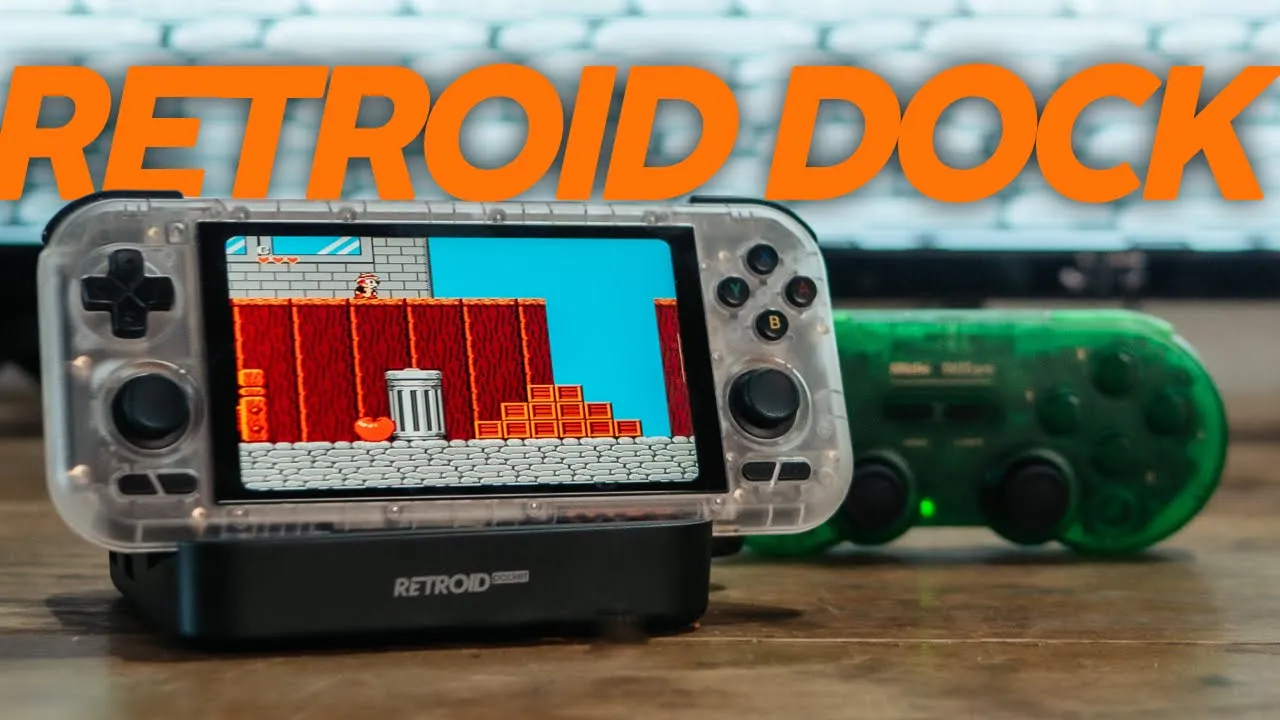
Intro:
Get the Retroid Dock here: https://bit.ly/RPDockAW
If your RP4pro isn’t nicely setup, check out my guide.
Index:
Controllers:
- GuliKit KK3 Pro - 2.4ghz
- 8bitdo SN30 Pro - Bluetooth
Front end:
My device is set up with Daijisho but I recommend ES-DE for a console focussed setup. I will be dealing with this in an upcoming video.
Here’s ES-DE: https://www.patreon.com/es_de/posts
Setting up emulators
- Set the controller mode version on the handheld and leave it. Retro/Xbox
- Pair each controller
- I had to check the KK3 Pro setting to switch the buttons so it operated as a retro controller in Android
- I had to pair the SN30 Pro as a Switch Controller (START + Y) to get it to operate as a retro controller in Android.
- Remap all emulators:
- Choose which device will be controller A and stick with that
- Go through each emulator and remap them (see video)
- You may not be able to control anything in the emulator with controller B
- Just be careful here, my KK3 registered as the Retroid controller and I couldn’t tell which was which. You may just need to do trial and error here.
- Some emulators like Yuzu don’t need pairing
Which emulators require remapping after you undock the RP4pro:
NetherSX requires remapping
Dolphin (GameCube) 2.4ghz controller was fine but I had to reselect the bluetooth controller in the emulator every time it disconnected.
PPSSPP Gold automatically maps any controller connected.
Lime3DS mapped both controllers automatically.
Yabasanshiro Pro (Saturn) allows you to select the controller in-game and it automatically maps
Mupen64 FZ Pro uses controller profiles, so simply create a profile for the dock and select it when you play (see video)
RetroArch does try to automatically map each controller but sometimes the keys get mixed, if you don’t mind this, this will be the easiest. Otherwise here is my set up to have the keys the way you want it with your controllers.
- Firstly, once you’ve set the retro/Xbox setting on the RP4pro and you’ve set up your controllers, don’t mess with those settings. And make a note how you set them up just in case. For mine, the 8bitdo ended up as a Switch Pro Controller and the GuliKit has the A + B buttons swopped to make them work as retro button config in Android.
- Connect the first controller.
- Then open the RetroArch app (NOT IN-GAME - I spent a while trying to set this up in-game and it simply does not work).
- Under Settings/Input/Retropad Binds/Port 1 Controls
- Device Index/ [select your controller profile]
- Reset to default controls.
- Set all controls - and map all your controls
- Save Controller Profile
- Repeat this for the second controller except under “Port 2 Controls”
- Then go to Home/Configuration File/Save Current Configuration
- If something goes wrong just run through this again.
DISCLAIMER: The RetroArch binding process is quite fiddly. Also things like bluetooth connections can reset and mess up your binding. To avoid this I would say make sure the controller has only ever been bound to your device or delete the bindings on other devices.
RetroArch Automapping:
In connecting the bluetooth controller as a Switch controller I was seeing the automapping as opposite in RetroArch. I changed the connection to x-input on the bluetooth controller which fixed the auto-mapping issue in the game but then the controls for Android were swopped around. You will need to fiddle around with the exact settings on each controller to get it the way you want it but having swopped keys may be a common issue if you rely on auto mapping, especially with RetroArch. I would highly recommend using my method above.
Is it worth docking your handheld?
Don’t expect this to be a full, user friendly console experience. The emulators are all different and updates could delete your settings sometimes. Keep this guide in mind if you ever get stuck and quickly run through a setup for an emulator before a gaming session. I think if you’re doing alot of RetroArch gaming that will cover a lot of your bases, and then focus on one or two standalone emulators to play some higher end games, for example the Dolphin emulator is very good. But NetherSX2 is not ideal for docking and I know this is what most people are after. Just know that you will probably have to map your controllers every time you play PS2.
Controller recommendations:
In terms of controller recommendations, these 8bitdo ones are great but I do prefer the reliability of the 2.4ghz ones. However the bluetooth will allow you to use it without the dock which is nice.
Is the dock any good?
As far as the actually dock goes, this one is pretty good. The off centre design is madness. But other than that it has a lot of the bells and whistles you’d want including the chance to load a massive game library on an external hard drive but that would mean a setup every time you link it all up.
Alternatives:
Someone suggested the Skull & Co dock and I have seen 1 person running the Odin 2 with it on reddit. Vlad Nerd has also tested a cheap dock from Amazon.