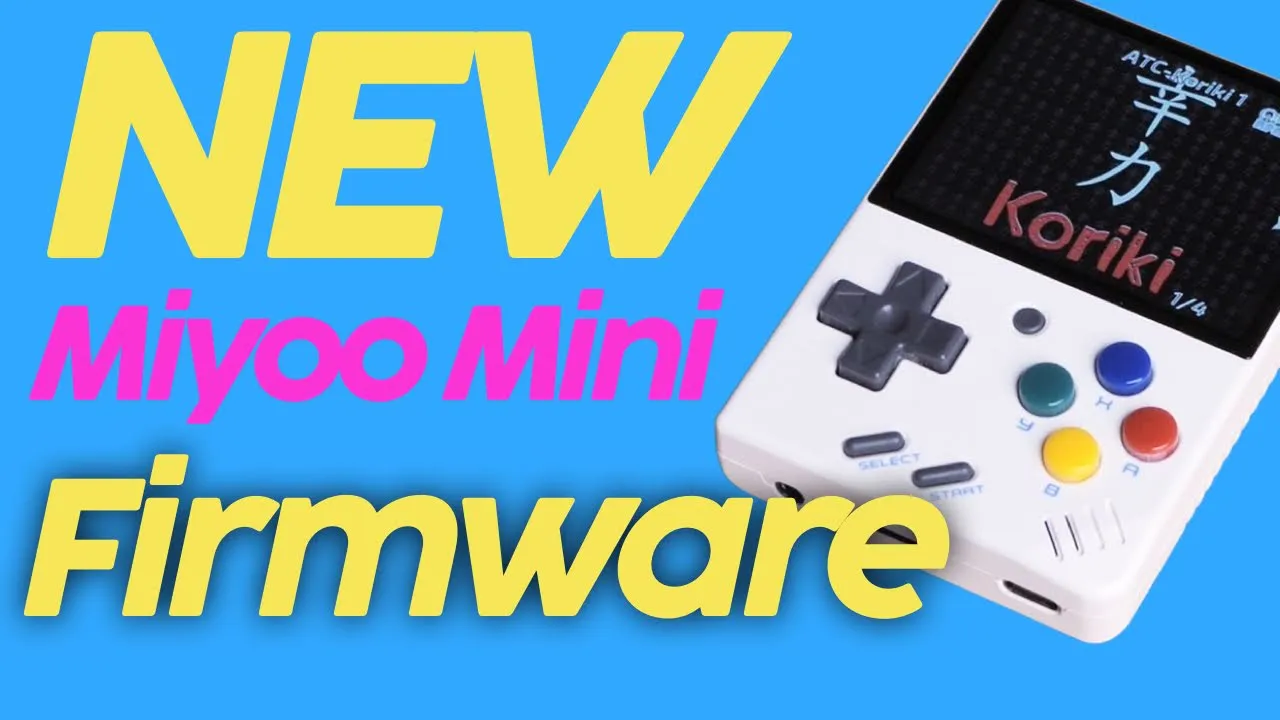
I would not have guessed that a year into it’s release the Miyoo Mini has yet another custom firmware release. We now have OnionOS, MiniUI, and now… Koriki made by the Rparadise team. Koriki is a Simplemenu frontend with a Retroarch emulation system. In this guide I’m going to show you how to install it, run through the features and themes and then do a brief likes and dislikes in comparison with OnionOS.
Here is the Youtube video for this guide:
Installation is actually super simple:
Firstly a warning, this has only been tested on firmware version 2022-04-19 - so if you are running an older version of the firmware that’s loaded on the device, please look at upgrading that first here: Miyoo-mini/20220419 Software Update_Lemiyou official website (lemiyoo.cn)
Okay let’s get into installing Koriki:
- Download from here: https://amzn.to/3W0C0NEhttps://github.com/Rparadise-Team/Koriki/releases/download/v1.0/koriki\_1.0.zip
- Then unzip the file.
- I recommend at least a 64gb card because your ROMS also need to go on here but for the demo I’m using a 32gb card.
- Then you can use an SD card reader to plug into your computer.
- If you don’t have a blank card you can format it, on Windows you can simply go to a file browser, right click on the drive (make sure you’ve selected the correct drive because you will lose all your files here) then select Format. Make sure your File System is set to FAT32. Delete any text in the Volume Label text bar. Unselect “Quick Format”. Make sure once again that you have selected the correct drive. And then Select Start.
- Okay now that our format is complete, let’s move on!
- Now, Open the Koriki folder and copy the contents over to your blank, unlabelled FAT32 SD card.
- Then add your bios files here: ROOT > BIOS
- The NeoGeo bios file must be placed here: ROOT > ROMS > NEOGEO
- Drag your roms over to the relevant folders.
- There’s a place on their GitHub page that explains all the rom folder names and which games they are for: En: 02. Content installation · Rparadise-Team/Koriki Wiki · GitHub
- Your thumbnails go into the Imgs folder.
- You can use an application called Skraper to scrape thambnails for your rom library: Skraper
- Then simply plug it in, turn on the device, and you’re done!
For future users, to upgrade:
Download the Upgrade package.
Drag it onto the root folder of your SD card for your Miyoo Mini (I am not sure yet if this will need to be unzipped)
Eject the card and place it back in your Miyoo Mini and start it up.
You should see an upgrade progress screen. Wait for this to work and you’re done!
Walkthrough of Koriki’s features:
- Themes
- Press start to get to the menu, scroll to Theme
- Whoever worked on these themes is doing an excellent job, there’s my favourite theme for my RG350 devices and the RG280V - BetaMax, there’s Russ from Retro Game Corps comic theme, and a few more but I want to focus on the new ATC range of themes made by @albgr1979 which are just fantastic.
- There’s Black, Blue, Elegant black and white
- My fav - Elegant Color - I love how the artwork has been blended into these pages and how it includes some info about the consoles like the year of release and a bit of history on the console - I also like the menu button prompts to guide you through Simplemenu
- Gb - which I am guessing is meant to be GameBoy but resembles the North American SNES colour scheme to me
- Icons and Logos is also a great one
- And RETROWAVES! What a lovely theme! How cool does the Sega Mega Drive front page look :-)
- And lastly SNES - which has the international SNES look and feel to it. I think I’m going to keep Retrowaves on here for a while.
- Boot screen selector
- Press B until you’re out of all the menus, then go to Apps and Games > Apps > Boot screen selector
- Scroll right and left to choose your bootscreen.
- It still shows the other boot screen so that still needs some work.
- Function/menu button functions:
- Function + give various shortcuts
- Function + start closes the game
- Function + up/down for brightness
- Function + X RetroArch menu
- Function + A pause
- Function + B fast forward
- Function + L2/R2 save slot
- Function + L1 save
- Function + R1 load save
- I also like the hold power to shut off feature BUT there’s no booting up from where you left off like OnionOS
- Menu
- I’m not going to do a deep dive here because the menu system is very clearly still a work in progress with a few menu items just saying “unavailable” because they’re not relevant to the Miyoo Mini or simply not working yet.
- I recommend setting a screen timeout to save battery - it’s set to always on by default.
- They recommend switching off the audio fix if you’re having performance issues with a game
- I found the default screen settings to be quite nice
- Likes and dislike:
- LIKES
- I like the fact that the function button doesn’t have a long press, because with Onion I regularly exit the game when I’m supposed to be saving.
- The shortcuts are quite easy to follow and remember
- I LOVE the themes - onion is a 8 and Koriki is a 9.5 - and that’s saying a lot because the OnionOS themes are excellent too
- DISLIKES
- Even when you choose a bootscreen, the other logo still pops up just before start and befor e agame loads which is a bit odd
- I don’t like the fact that I have to remove systems manually to remove them from the menu
- You can’t set a game to autostart in the favourites menu
- VS ONIONOS
- The biggest draw card to OnionOS is it’s ability to boot straight back into a game where you left off. You simply press the power button to power down and then when you power it back up it boots back to where you left off in the game. This is a really great feature.
- With simplemenu you can set an Autostart feature where you press select when you’re on a game, and turn autostart on. This will force simple menu to shut down when you exit the game when you close it, and open that same game when you power on. However it won’t open where you left off, you will need to remember to save before you close the game.
- DO WE NEED ANOTHER OS?
- I’m not sure if it’s necessary to have a new OS for the Miyoo Mini but it will be interesting to see what the Rparadise team have in mind with this. Simplemenu is definitely a nice frontend and I do appreciate the straight forward use of the Function button. Let me know what you think in the comments.