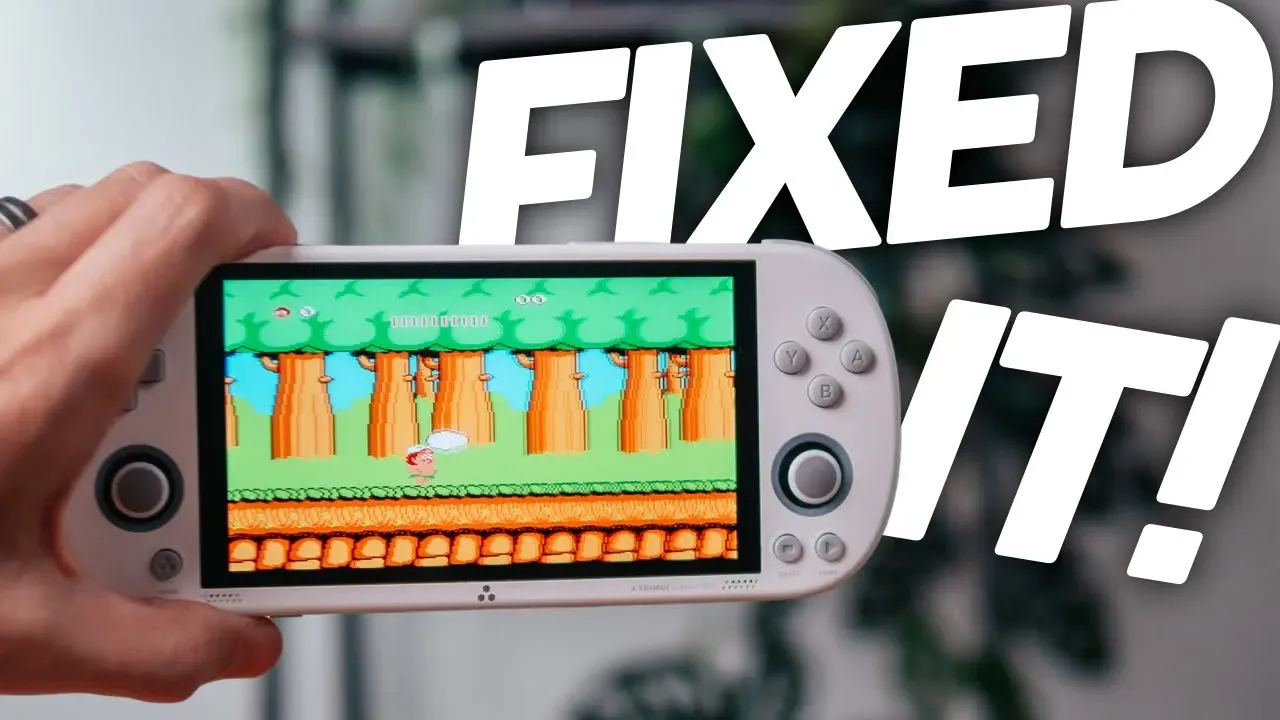
Preface:
- Limited to certain systems [see video]
- No boxart
- Lose joystick control
- No wifi capabilities
Setup Steps:
- Download: https://github.com/shauninman/MinUI/releases
- Extract the file
- Place your Roms in the Roms folder ofthe extracted MinUI folder
- Place your Bios in the Bios folder of the exctracted MinUI folder
- Remove the SD card from the TrimUI Smart Pro
- Plug the Sd card into your computer - do not “fix” the card
- Drag the “Trimui” folder to the root of your SD card
- Drag the minui.zip file to the root of your SD card
- Eject the SD card and place it into the TrimUI Smart Pro
- Power on the device
- Yippee!
Bios files needed and where they go:
| Folder | Bios |
|---|---|
| PS1 | scph5500.bin scph5501.bin scph5502.bin |
| GBC | gba_bios.bin |
| GBA | gba_bios.bin |
| GB | gb_bios.bin |
| FC | disksys.rom |
| MD | bios_MD.bin |
Creating collections:
- A collection is just a text file containing an ordered list of full paths to rom, cue, or m3u files. These text files live in the “Collections” folder at the root of your SD card, eg. “/Collections/Metroid series.txt” might look like this:
○ /Roms/GBA/Metroid Zero Mission.gba
○ /Roms/GB/Metroid II.gb
○ /Roms/SNES (SFC)/Super Metroid.sfc
○ /Roms/GBA/Metroid Fusion.gba
Conclusion:
- Quick save - autoresume
- Really great in game menu - best in game menu I have seen where they try to simplify things.
- Surprisingly a lot of under the hood features in game - colourisation in GameBoy etc
- Save in-game setting per game or for console
- Integer scaling available
- Overclocking available
- Button mapping available
- Shortcuts - map saves to shoulder buttons
- And more…
You’re leaving some functionaility and performance on the table here but I never fully appreciated this device until now!